
CONNECT ACROSS

Your watch.
Connected
with Cisr.

Connect your Wear OS watch to your iPhone with Cisr. Apple Watch + Android support is coming soon.

Choose your watch, install Cisr and follow the setup steps. Features vary between Wear OS and Apple Watch.

No Cisr account. You choose what to share.
Cisr Hub(Premium)

Your phone. Your watch.

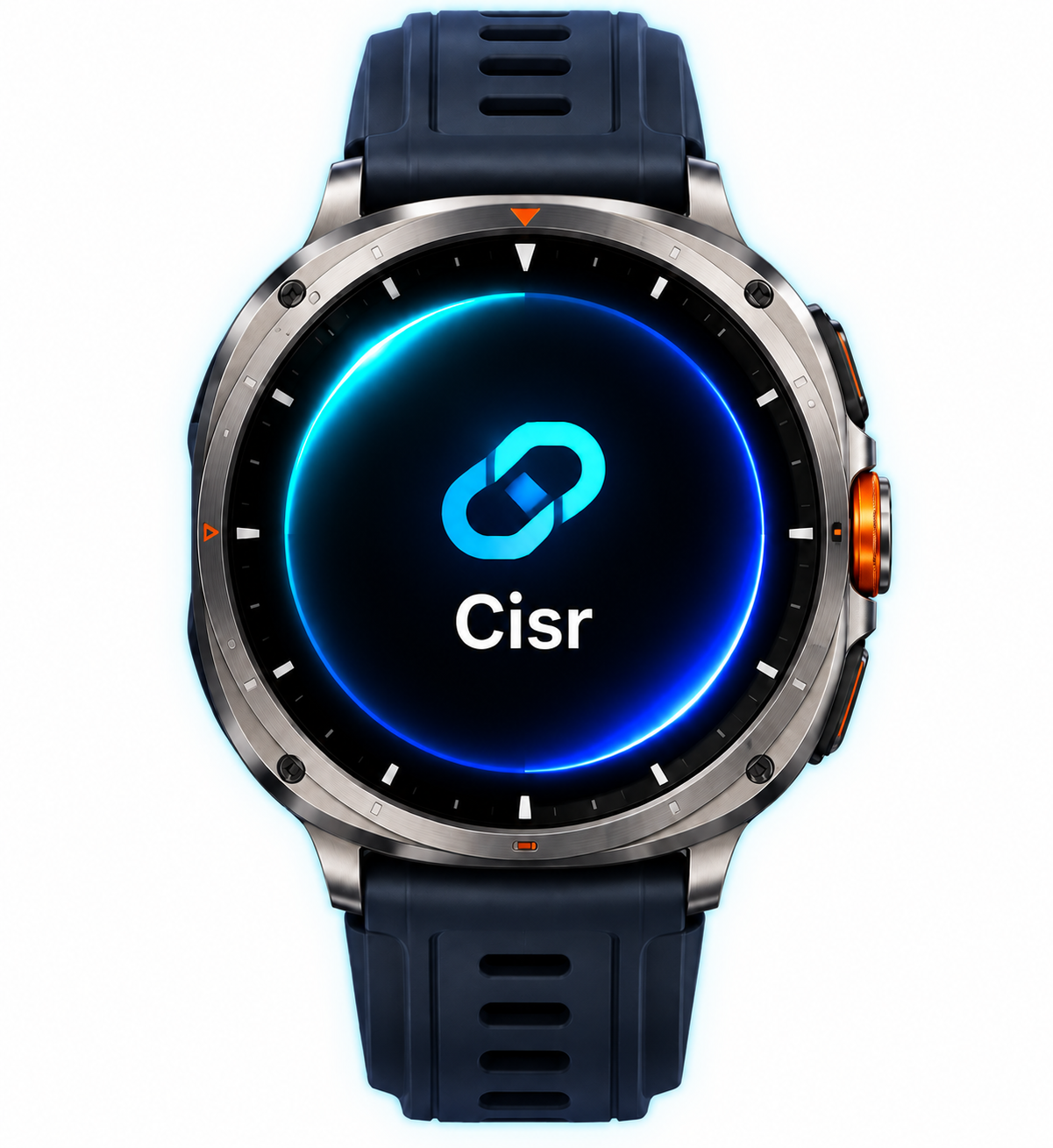
iPhoneWatch running Cisr
Wear OS + iPhone
NotificationsInboxFind phone
Current app artwork. Device images are illustrative.
HOW IT WORKS

Choose your watch.
Get connected.

Start with the setup for your watch.

WEAR OS + IPHONE

Galaxy Watch and other Wear OS watches

  1. 01

    Prepare your watch.

    Complete the watch’s initial setup with an Android phone. For Galaxy Watch, use Galaxy Wearable; for other Wear OS watches, use the manufacturer’s companion app.

  2. 02

    Install Cisr on both devices.

    Install Cisr on your iPhone and your Wear OS watch. Open Cisr on the iPhone and complete the requested permissions.

  3. 03

    Connect from your watch.

    Keep Cisr open on your iPhone. On the watch, choose Add phone → Find phone, select your iPhone and complete the connection. Activate Premium to use Cisr’s features.

APPLE WATCH + ANDROID

Your Apple Watch. Your Android phone.

Coming soon

We’re working on connecting Apple Watch with Android through Cisr. Setup instructions will be available when this connection is ready.

THE CISR EXPERIENCE

Less switching.
More of what matters.

Connection status and feature availability are separate. Only supported, permitted services are available for each phone.

Your notifications, on your wrist.

Bring supported phone notifications to your Wear OS watch. Choose which apps can reach you.

The essentials for your music.

Control supported playback from your watch. Android watch controls require compatible Cisr versions, Notification Access and an active supported player.

Your latest health values.

View supported watch heart rate and steps. Save supported samples to Apple Health with permission, or opt in to a latest-value view on Android.

No call-audio relay. No Android Health Connect writing. Health features are for general wellness, not medical or emergency use. Read feature limits →

OPTIONAL · WEAR OS

Also use an Android phone?

You can add your watch’s paired Android phone alongside your iPhone. Install Cisr on that phone, then use Add phone → Find phone on the watch. One Premium subscription is shared through the same watch with both registered phones.

PERMISSION COMES FIRST

Your choices, on each phone.

Enable only the features you want. Cisr does not run a cloud relay or keep a server-side notification archive. The Android connection uses Google Play services, which may route encrypted transfers through Google servers.

Read the Privacy Policy